

Every treadmill brand publishes its own error code table, and the same alphanumeric string can mean different things across manufacturers. E1 on one platform indicates a speed sensor fault; on another it flags an overcurrent condition. That said, the underlying fault families are universal: speed feedback errors, motor controller (MCB) faults, incline calibration errors, console-to-lower-board communication failures, and thermal/overcurrent protection trips. Once you understand the families and have the correct service manual open, you can navigate almost any brand's code table confidently.
NCFET-certified technicians assembled this guide from years of commercial field service. It explains what each code family means physically, what to inspect first, and which repairs are safe for an owner versus work that belongs with a qualified technician. Treat every code meaning below as the common interpretation — always verify in your model-specific service manual before condemning a component.
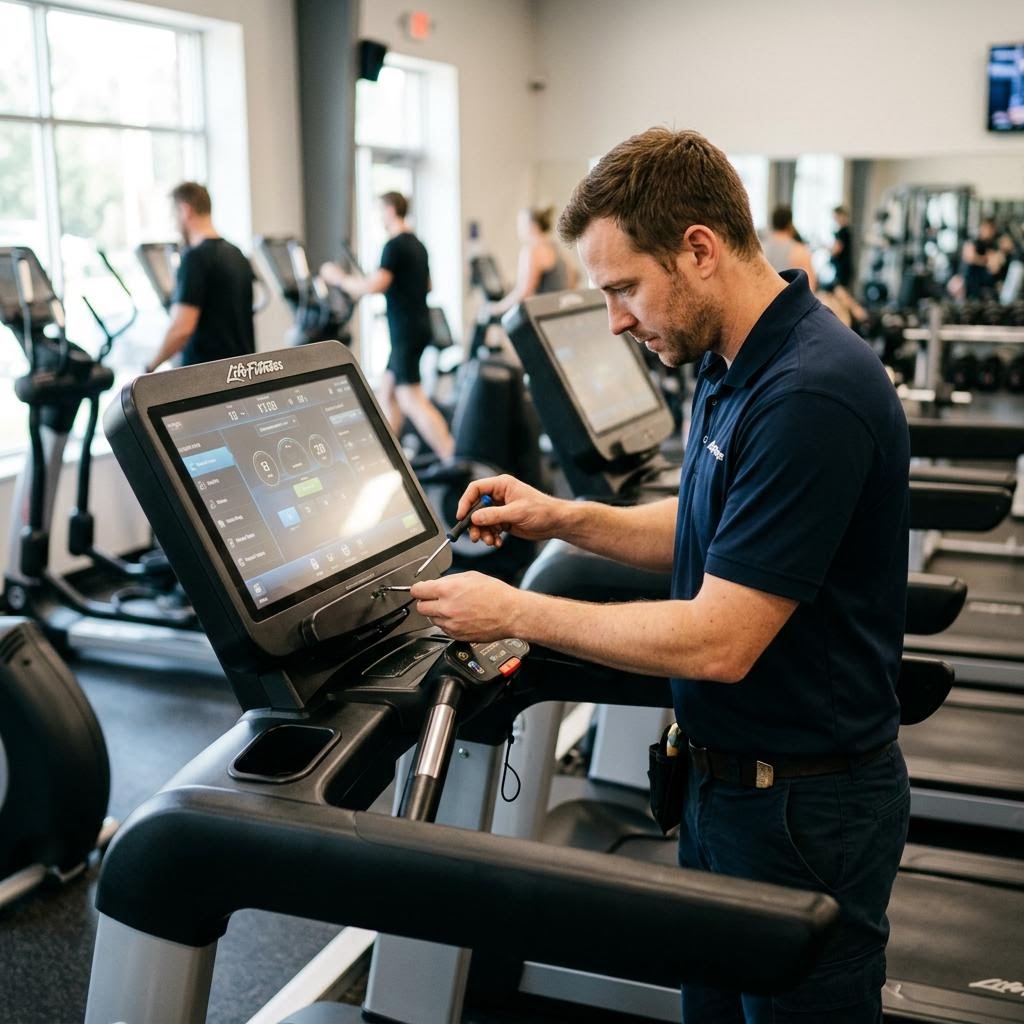
E1 / LS / L5 family: speed sensor and no-signal errors
Speed-sensor faults are among the most commonly encountered treadmill errors in field service. On many platforms, E1 (also displayed as LS, L5, or 'Speed Error' depending on the brand) means the motor control board received no pulse signal from the belt speed sensor when it expected one. The console typically shuts the belt down as a safety response. Always verify the exact meaning for your model in the manufacturer's service manual.
The speed sensor is typically a hall-effect sensor mounted near the front roller, reading one or more magnets pressed into the roller end. Diagnostic sequence: (1) Check that the magnet is present and intact — sensor magnets can fall off or crack. (2) Measure the air gap between sensor and magnet against the model-specific specification in the service manual. (3) Inspect the sensor harness for cuts or unplugged connectors at the upright or lower board. (4) If the belt never moves at all when the error appears, the fault may be upstream — a motor controller not producing drive output rather than a sensor problem.
E2 on many platforms is also a speed-family code, typically indicating an unexpected speed signal (overspeed fault) or a pulse frequency outside the expected range. Causes include a loose sensor magnet generating spurious double-pulses, a defective sensor, or an uncontrolled MCB output. Code definitions vary by brand — verify in your service manual.
E5 / E9 family: overcurrent, motor, and controller faults
Codes in this range (E5, E9, and their equivalents on various platforms) typically indicate the motor control board detected an overcurrent condition, a shorted output stage, or a drive fault — but exact meanings differ by brand, so confirm in your service manual. Visible evidence such as a burnt smell, scorched MCB components, or a blown inline fuse supports a hard electrical fault.
A critical diagnostic principle: an overcurrent trip is often a symptom rather than the root cause. A dry walking deck, a seized roller bearing, or a dragging drive belt can drive motor amp draw up until the MCB's protection trips to save itself. Replacing the MCB without correcting the underlying mechanical problem that loaded it risks a repeat failure. After any MCB replacement, measure motor current at idle and under a consistent load and compare to the service manual's amp specification before returning the machine to service.
E9 on some brands specifically indicates a motor fault or open motor circuit — the MCB is sending drive voltage but receiving no current draw back, pointing to an open winding in the motor, a broken motor lead, or a disconnected motor connector. Code interpretation is brand-specific; always consult the service manual.
Incline error codes and the calibration cycle
Incline error codes mean the lift motor's position feedback does not match what the console commanded — the machine expected the deck to reach a certain elevation and the sensor says it did not. Causes: a stalled lift motor, a failed position potentiometer or encoder inside the actuator, or lost calibration data in the console (often after a power interruption mid-incline cycle).
Most brands provide a calibration routine accessible through the engineering or service mode that drives the incline through its full travel range to relearn its endpoints. Running calibration first resolves a large share of incline errors and costs nothing. If calibration fails or the deck does not move at all, test whether the lift motor receives voltage when commanded — that measurement involves line-equivalent voltages and belongs with a qualified technician. A lift motor that hums under command but does not move usually has a stripped internal lead-screw nut and requires actuator replacement.
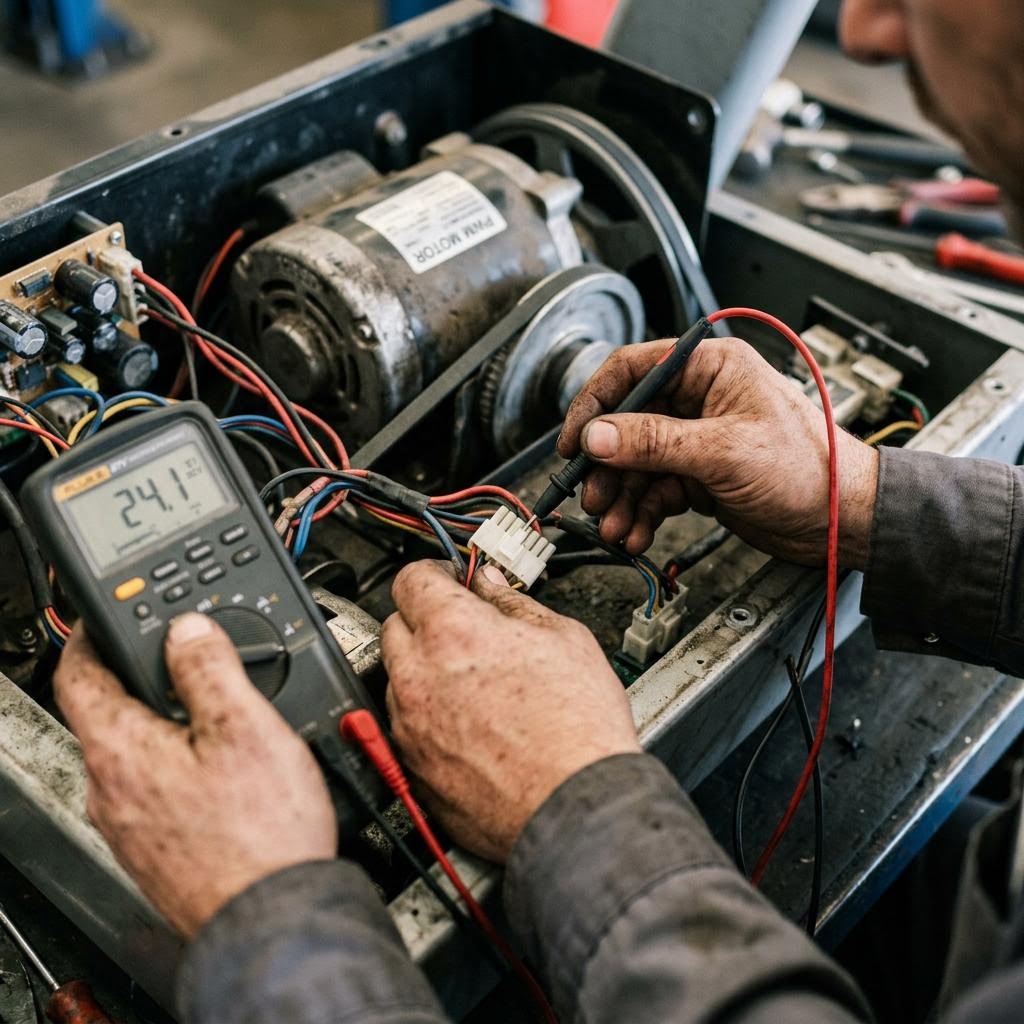
Communication errors: console and lower board
Codes labeled 'communication error,' 'lower board fault,' 'no response,' or similar mean the console's serial data link to the MCB has failed or the MCB is not responding. Diagnose in cost order: (1) Reseat both ends of the console interconnect cable — console-end connectors loosen from vibration. (2) Inspect the full cable run for pinches, cuts, or abrasion; upright pivot joints are the classic pinch point. (3) Swap the cable if the harness shows any damage. (4) Only after confirming the cable is good should you suspect either board — a bad cable is far more common than a simultaneous dual-board failure.
Thermal protection codes and airflow
Thermal codes trip when the motor or MCB temperature sensor exceeds its design limit. A common environmental cause is a motor compartment packed with belt-dust and debris that acts as insulation, or a machine installed against a wall or on dense carpet blocking the inlet vents. The first response is cleaning, not parts: vacuum the motor compartment — reaching between the motor and MCB — and verify the vent openings are clear. If the code returns on a clean machine in adequate open space, a genuine thermal sensor or motor winding fault exists and warrants a technician visit.
Regular motor compartment vacuuming on a schedule consistent with your usage level is a core preventive maintenance task that helps avoid thermally triggered shutdowns.
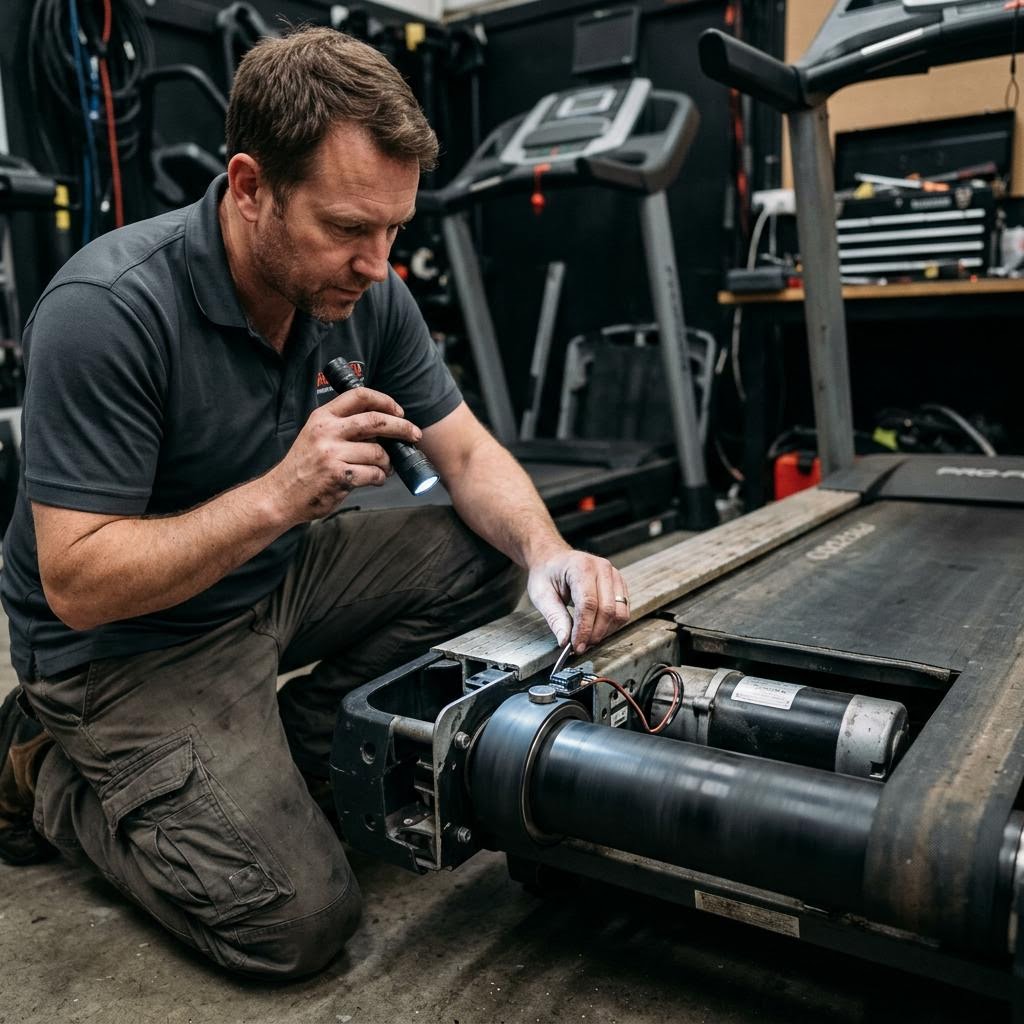
Using service / engineering mode for diagnostics
Most treadmill platforms expose a service or engineering mode accessible via a button sequence documented in the service manual. In this mode, technicians can read the current speed sensor signal in real time, command incline to specific positions, observe motor amp draw on commercial units with current display, and clear stored fault logs. Learning to navigate your platform's service mode is the single most efficient diagnostic skill for treadmill work — it converts guesswork into measurement.
Service mode sequences are brand and model specific and are not published here to prevent users from inadvertently altering calibration settings. Obtain the sequence from your model's service manual or the manufacturer's technical support line.
Frequently Asked Questions
What does an E1 error mean on a treadmill?
On most brands, E1 (also shown as LS, L5, or 'Speed Error') indicates the motor control board received no speed signal from the belt sensor when the belt was commanded to run. Common physical causes: the roller magnet is missing or cracked, the sensor air gap is too large, the sensor harness is unplugged or damaged, or — if the belt never moves — the motor controller is not producing drive output at all. Confirm the exact meaning in your model's service manual before replacing parts.
What does an E2 error mean on a treadmill?
E2 commonly indicates an overspeed or unexpected-speed-signal fault — the board received a speed pulse faster than the commanded value. Typical causes are a loose magnet that has shifted and generates spurious double pulses, a failed speed sensor, or an MCB with an uncontrolled output stage. Check the magnet and sensor first; overspeed faults caused by a hardware fault in the MCB require board replacement by a qualified technician.
What does an E5 or E9 error mean on a treadmill?
These codes most commonly indicate motor overcurrent (E5) or motor circuit fault / open motor (E9), though exact meanings differ by brand — always verify in your service manual. E5-type overcurrent is often caused by a dry deck or seized bearing loading the motor rather than a board failure; resolve mechanical friction first before replacing the MCB. E9-type open-motor codes point to a broken motor lead, failed motor winding, or disconnected connector rather than the controller.
Can I clear a treadmill error code by unplugging it?
Power-cycling clears the displayed code but not the underlying fault — if the condition persists, the code returns as soon as it is re-detected. Codes caused by a genuine transient (brief voltage sag, static discharge) may clear and not return. If a code recurs after power-cycling, it requires real diagnosis, not another reset.
Are treadmill error codes the same across brands?
No. Each manufacturer defines its own code table, and identical strings frequently mean different things across brands. The fault families — speed feedback, motor controller, incline calibration, communication, and thermal protection — appear broadly across brands, but code-to-fault mapping always requires your model's service manual. Diagnose by family, then confirm the exact meaning in that manual.
Is it safe to repair a treadmill motor controller myself?
Motor controllers operate at line voltage and store charge in capacitors that persist after unplugging. Board-level diagnosis, measurement, and replacement must be performed by a trained technician following lockout and capacitor-discharge procedures. This is core safety and technical content in the NCFET CET-1 certification curriculum.
Standards & References
- ASTM F2115 — Standard Specification for Motorized Treadmills
- NFPA 70 — National Electrical Code — Electrical installation requirements relevant to dedicated treadmill circuits.
This guide is provided as a free educational resource by NCFET and its certified technician team. Always follow your equipment manufacturer's service manual, and leave line-voltage electrical work to qualified professionals. You are welcome to cite or link to this guide; please attribute it to the NCFET certified technician team and link to this page.
Related Guides
Treadmill Belt Slipping: Diagnosis and Repair Guide
Read guideTreadmill Deck Lubrication: The Complete Professional Guide
Read guideFitness Equipment Electrical Safety: Circuits, GFCI, Surge Protection, and Multimeter Diagnostics
Read guideGym Equipment Preventive Maintenance Schedule: Daily, Weekly, Monthly, and Quarterly Checklist
Read guideNeed a professional? Or want to become one?
Find qualified service providers in the NCFET directory, verify any technician's credential at ncfet.com/verify, or start your own path to national certification.